
Have you ever struggled to top up your PlayStation 4 balance or choose the right digital card for your region? Many gamers search for the correct and secure way to top up their PlayStation 4, but they often find themselves confused by the different retailers in Saudi Arabia, the US, or Brazil, making the process seem complicated and unclear. Even worse, a simple mistake in choosing the wrong digital card or entering the wrong code can result in the balance not being activated or being lost entirely, causing significant frustration for gamers, especially when adding large amounts or during limited-time offers.
But don't worry, it's simpler than it seems. In this guide, we'll take you step-by-step through the best ways to top up your PlayStation 4 balance safely and securely, while also explaining the essential guidelines for choosing the right top-up card for your geographic region.
How do I charge my PlayStation 4?
To top up your PlayStation 4 account directly from the console, you can follow these steps step by step:
- From the main screen, go to the PlayStation Store.
- Go to the side menu and select Redeem Code.
- Enter the 12-digit code found on the recharge card, making sure to enter it without spaces or breaks.
- Click on Continue and then Yes to confirm the process.
- Check your new balance in your PSN wallet to confirm that the top-up was successful.
Tip: Make sure you enter the code accurately, and check that the card is in the same region as your account — for example, a Saudi card only works with a Saudi account.
Shipping method from the official website
You can also easily top up your PSN balance via the official PlayStation website:
- Log in to your account on playstation.com
- Select the profile and then click on Redeem Codes.
- Enter the 12-digit code exactly as it appears on the card, without any spaces or breaks.
- Click Next to have the balance automatically added to the wallet.
Quick tip: If the account and card areas are not properly separated, an error message may appear preventing the transaction from being completed, so make sure you log in to the correct account before entering the code.
Conditions for successful shipping
How do I top up my PlayStation 4 correctly? The success of the PlayStation 4 top-up process depends primarily on the top-up card's region matching your PSN account region, along with entering the top-up code accurately and without any errors. Purchasing top-up cards from a reputable online store is also essential to ensure the code is valid and hasn't been previously used, guaranteeing easy activation of your balance and avoiding any problems during the top-up process.
What is the difference between Saudi, American, and Brazilian PlayStation cards?
When considering topping up their PlayStation 4 balance, many players wonder how to do so correctly without encountering region-specific errors. It's important to note that each top-up card is designed for a specific region. Saudi PlayStation cards work exclusively with Saudi PSN accounts and are displayed in Saudi Riyals, while US cards are only used with US accounts and are displayed in US Dollars. Brazilian cards are for Brazilian accounts and are displayed in Brazilian Reais; they cannot be used interchangeably between regions.
Prices and offers
Prices and offers vary between stores depending on the country. US cards are generally cheaper and feature regular offers and discounts, making them an attractive option for many, while Saudi cards are relatively more expensive due to local taxes and fees. Brazilian cards are generally the most expensive, due to currency exchange rates and associated additional costs.
Language, support, and content
Content and support also vary by region. The US account offers a wide library of games and diverse content, while the Saudi account features Arabic language support and convenient local payment options. The Brazilian account supports Portuguese and is relatively limited in terms of the variety of games and content available compared to other regions.
How can I be sure the shipment was successful?
- A clear confirmation message will appear indicating that the shipping process was successful after entering the code.
- Increase the amount in your PlayStation 4 account wallet instantly without delay.
- The balance can be used directly to purchase games or subscriptions from the PlayStation Store.
- The appearance of the shipping transaction in the transaction history within the account settings proves that the transaction was completed successfully.
When do shipping problems appear?
How do I correctly top up my PlayStation 4 if I encounter a problem during the process? You might sometimes see an error message after entering the code or the wallet balance not increasing as expected. In this case, it's important to ensure that the entered top-up code accurately matches your PSN account region, that it hasn't been used before, and then check your account history to verify any successful updates or transactions.
What should I do if the charging fails?
If the charging process fails despite multiple attempts, it's recommended to contact official Sony support or the retailer from whom you obtained the card. Keep the code and all transaction details for your records so the issue can be resolved quickly and accurately.
What are the best PlayStation 4 top-up cards from TechCard?
TechCard offers you an instant and secure top-up experience for PlayStation 4 accounts in various regions, including Saudi Arabia, the USA, and Brazil, with continuous 24/7 technical support and multiple payment options to suit your needs. Each card is designed to seamlessly match your account type, allowing you to enjoy a hassle-free experience purchasing games and content. Available in the Gaming Platforms section :
PlayStation 40 Saudi Riyals
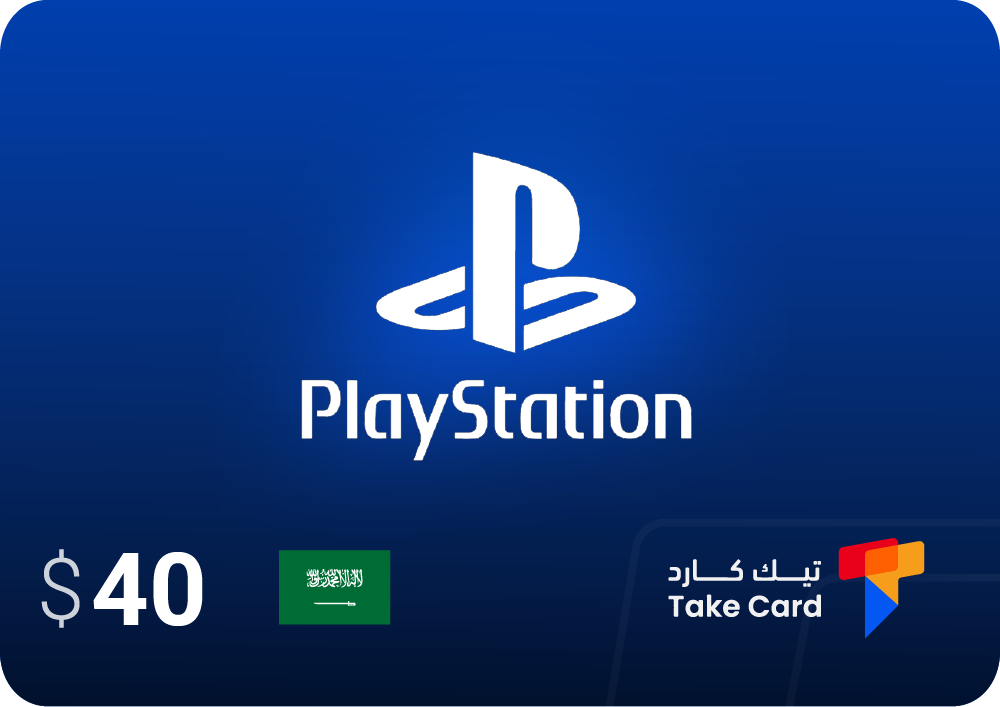
In fact, when discussing how to top up your PlayStation 4 with a $40 Saudi PlayStation Store card , you'll discover that the process isn't just about adding funds to your wallet. It unlocks a world of features and entertainment experiences. Once you top up your Saudi PS4 Store card, you can access a vast collection of exciting and engaging games to suit all tastes, along with downloadable content available through the PlayStation Store. Top-up also allows you to explore new in-game worlds, face enemies and overcome challenges more easily, and unlock achievements in your favorite games. The Saudi PS4 Store card gives you access to local games and Arabic content, as well as the latest updates, new games, and exclusive offers that cater to the aspirations of players in the Saudi market and provide a more enjoyable and diverse gaming experience.
PlayStation $25 (US)
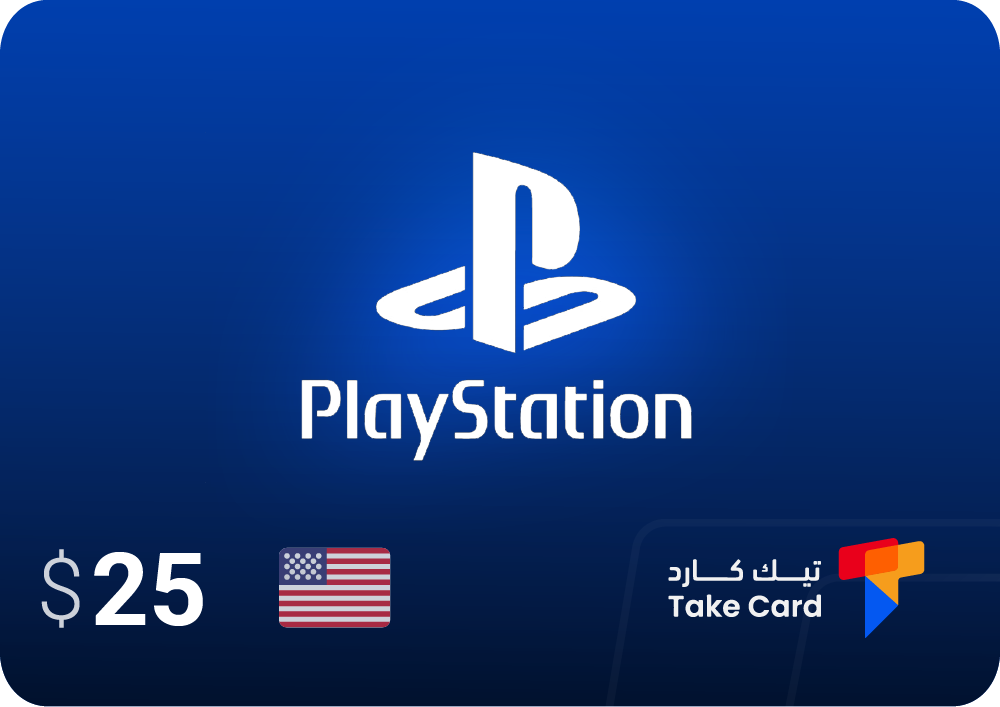
When you purchase a $25 PlayStation gift card , you can expand your account's content and take advantage of the advanced system offered by the US PlayStation Store. The gift card allows you to purchase a wide variety of downloadable games, along with game add-ons that enhance features and provide a deeper, more immersive gaming experience. Beyond games, you also have access to numerous full-length movies, TV shows, and other entertainment content that can be streamed directly to your PlayStation. Once you redeem the card, you can enjoy over 80 exclusive games available for easy download, as well as one of the most significant benefits: the option to subscribe to PlayStation Plus, which offers monthly free games and an expanded online multiplayer experience.
PlayStation R$60 Brazil
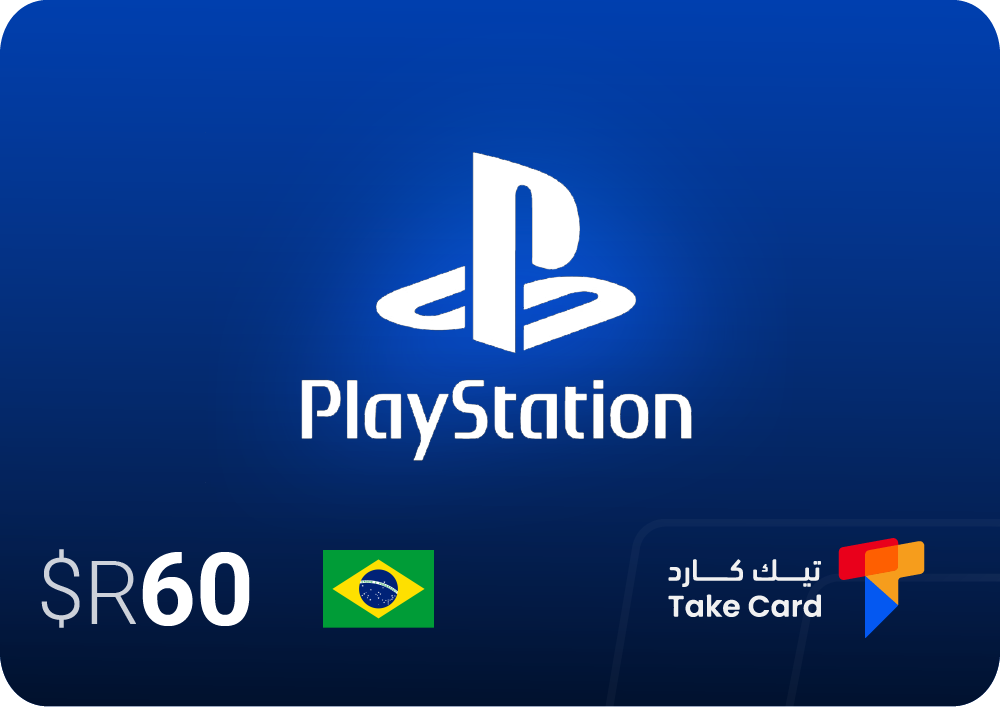
The R$60 Brazil PlayStation Card is a convenient way to top up your Brazilian account and enjoy PlayStation Store content easily and securely. The card grants you access to a wide range of games, add-ons, and various digital content available on the Brazilian store. Using it is simple: first, select the appropriate denomination, then save the redemption code. Next, log in to your PlayStation Network account and select the "Redeem Prepaid Card" option to enter the code and activate the card instantly. This way, you can quickly top up your wallet and take advantage of available offers and content without needing a credit card.
Important tips for successfully charging your PlayStation 4
- Always make sure that the card region matches the region of your PlayStation 4 account, as a region difference is the most common reason for charging failure.
- Enter the card code exactly, without using any spaces or commas, to avoid errors during activation.
- When searching for how to recharge your PlayStation 4 safely and without problems, always make sure to choose trusted digital stores only when purchasing recharge cards, such as TechCard, which is known for the quality of its codes and speed of delivery, ensuring that you can easily activate your balance and avoid any errors or invalid codes.
- Avoid visiting unreliable websites or those that offer unreasonably low-priced codes, as they are often fake or pre-used, resulting in the shipment being refused.
How to avoid shipping errors?
To avoid any problems while topping up your PlayStation 4 balance, carefully review each step before confirming the transaction. Verify that your region matches, the code is valid, and your internet connection is stable; these small details ensure a smooth and hassle-free process.
What are the best sources for purchasing cards?
- TechCard store for fast delivery and guaranteed original codes.
- The official PlayStation digital store.
- Popular online stores that offer reliable security systems and approved payment methods.
Can the account region be changed?
Changing your PlayStation 4 account region is complicated, as it can't be modified immediately after account creation. If you want to use cards from a different region, the only solution is to create a new account in the desired region and then log in to use the card.
Frequently asked questions about how to charge a PlayStation 4
How do I charge my PlayStation 4?
To top up your PlayStation 4 account, use a digital gift card compatible with your account region. After obtaining the code, you can enter it through the PlayStation Store settings on your console or the official website, and the value will be added directly to your balance.
How do I charge my PS4?
You can charge your PS4 controller in several convenient ways, such as connecting it to a dedicated charging station, plugging it into a wall outlet, charging it directly from the console while in standby mode, or even using a solar charger. A full charge typically takes only about two hours.
What type of charger does a PS4 need?
The USB Type A cable (for the device) and micro USB cable (for the controller) work perfectly to charge the DUALSHOCK 4 controller, and also allow you to use the controller while charging without any performance issues.
Read also: How to subscribe to PlayStation Plus